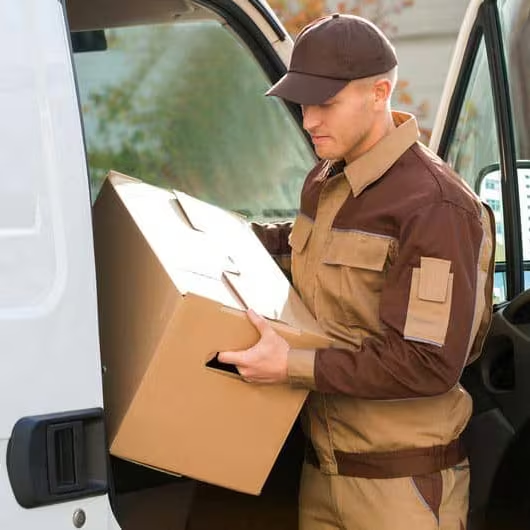
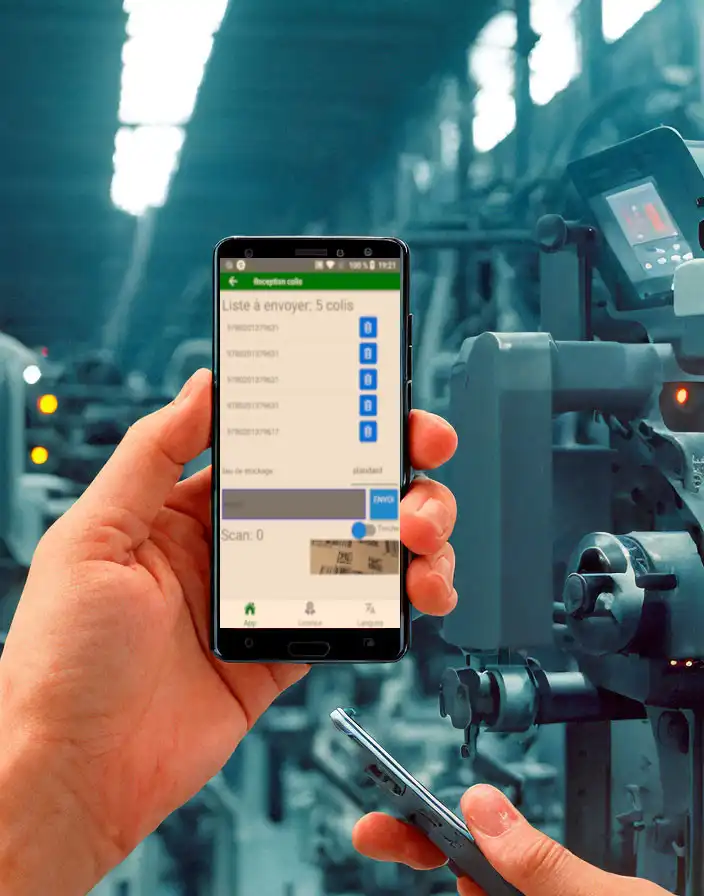
Conçues par des professionnels pour des professionnels de l’industrie ou du transport, vous bénéficiez d’applications mobiles créatives
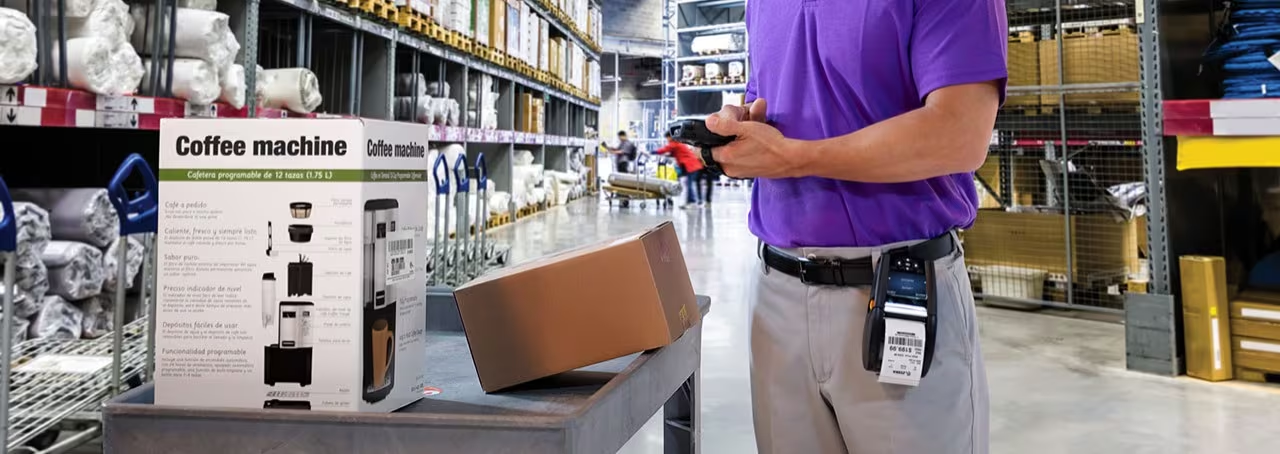
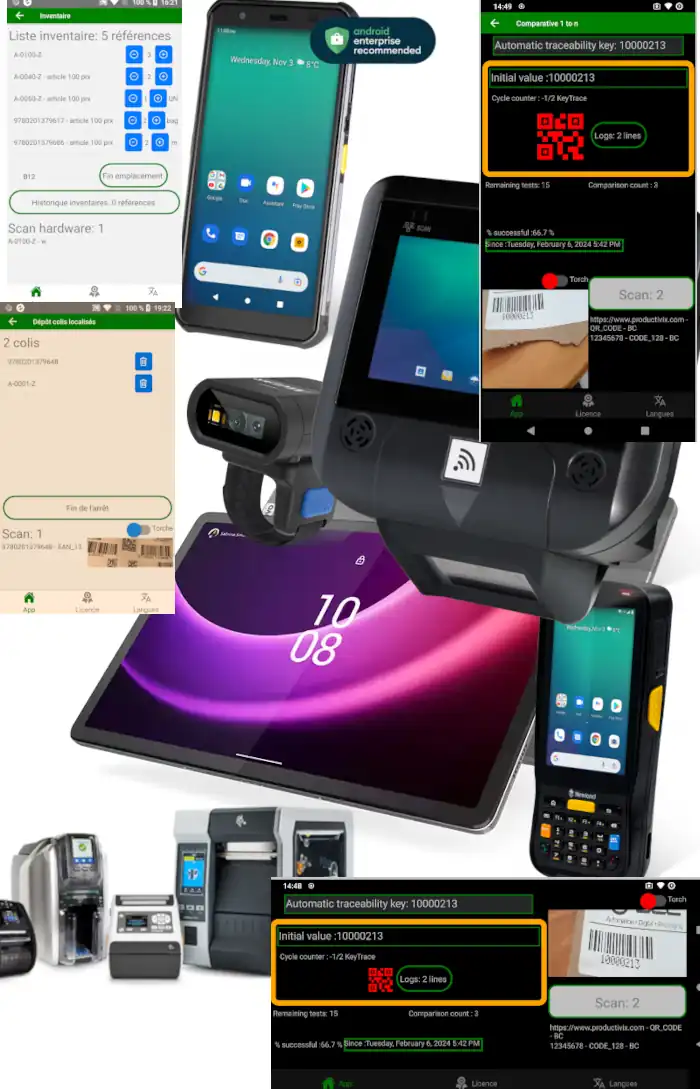
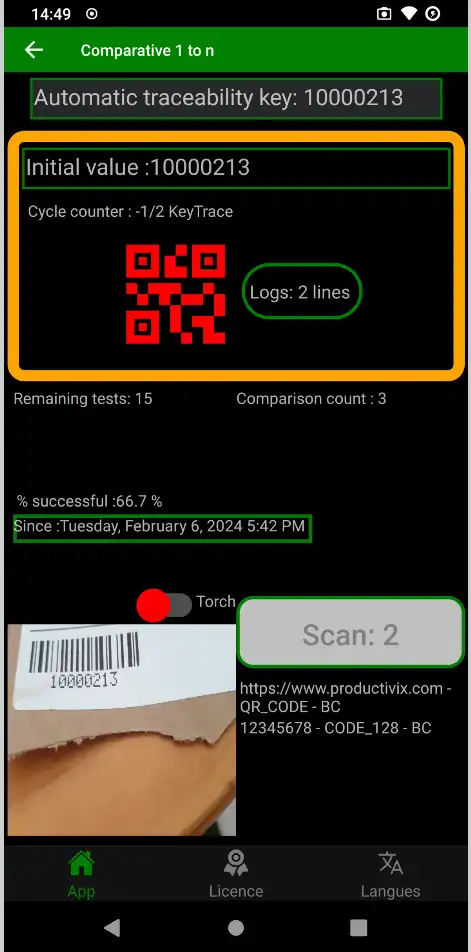
Experts en développement de logiciels de capture de données ou d’impression pour smartphones Android et terminaux durcis ou tablettes avec codes-barres, caractères (OCR) ou NFC RFID.
Retour sur investissement rapide car vous pouvez utiliser plusieurs anciens terminaux, des smartphones normaux ou des tablettes avec de petits ajouts : nous essaierons de nous adapter !
Nombreuses technologies de lecture rapide avec appareil photo, scanner interne ou dispositifs à main levée